Many R users use R Markdown to author documents, often containing R code, that can be seamlessly rendered into various output formats (usually PDF and HTML) with a single click or keyboard shortcut. Ordered R markdown documents can be converted into books and websites (for example the one you’re now reading!) with a few lines of command, thanks to Yihui’s bookdown and blogdown packages. The conversion from markdown to other formats is actually mostly done by pandoc, but R Markdown it much more than a wrapper around pandoc.
The most important feature of R Markdown is being able to execute code chunks and format their output. Here is an example:
runif(10)## [1] 0.7429973 0.3548075 0.6275683 0.4852253 0.4650414 0.3865920 0.4994155
## [8] 0.3993144 0.3738833 0.4727093In the source .Rmd file, I only need to write the code, and the result is automatically generated. You can also include R plots easily:
par(mar = c(0, 1, 0, 1))
pie(
  c(280, 60, 20),
  c('Sky', 'Sunny side of pyramid', 'Shady side of pyramid'),
  col = c('#0292D8', '#F7EA39', '#C4B632'),
  init.angle = -50, border = NA
)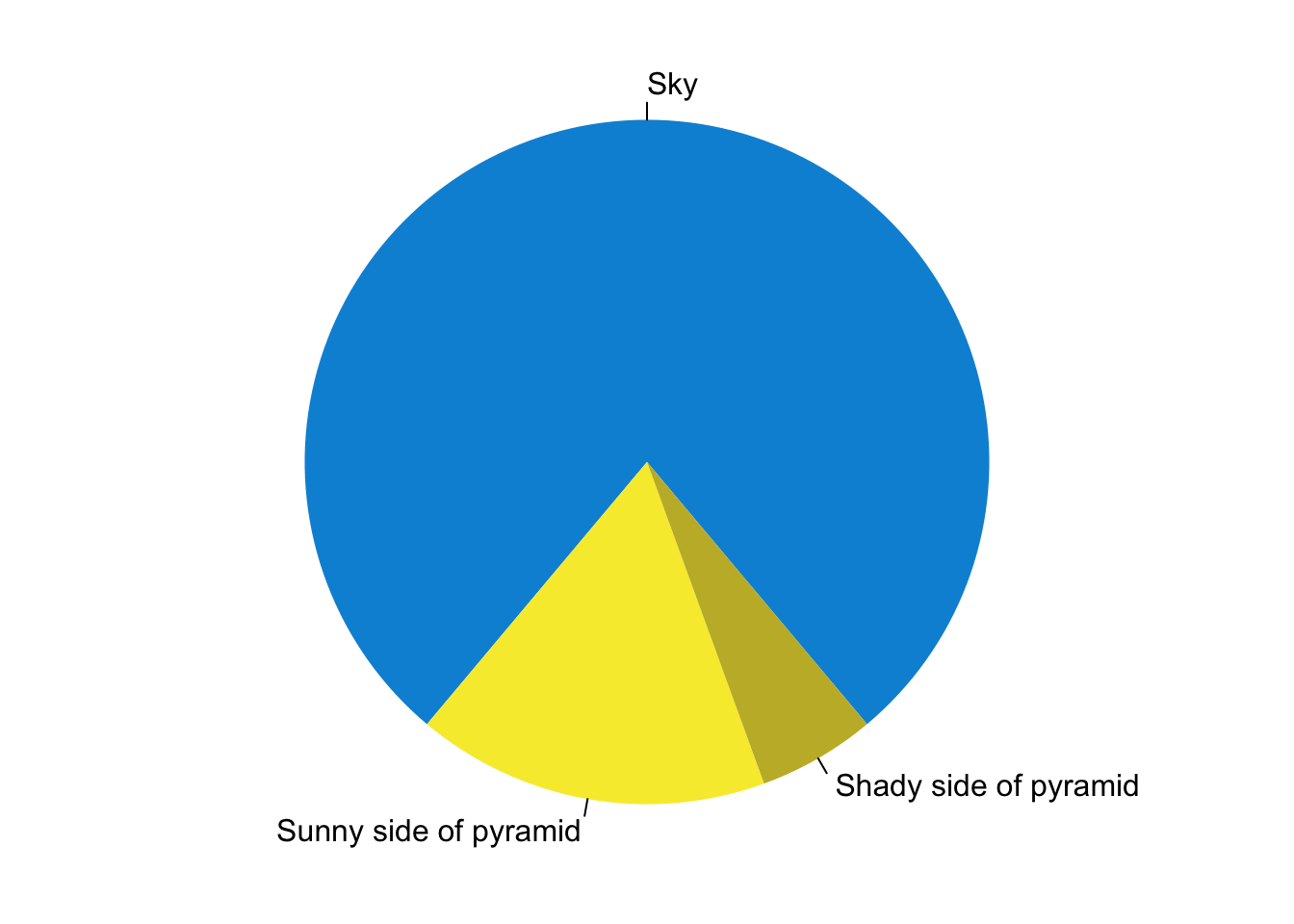
Figure 1: A fancy pie chart.
What I wrote in source .Rmd file is simply:
```{r pie, fig.cap='A fancy pie chart.', tidy=FALSE}
par(mar = c(0, 1, 0, 1))
pie(
  ...
```
You can insert a map, using the leaflet package:
You can even write some functions in c++ in one code block…
#include <Rcpp.h>

// [[Rcpp::export]]
int fibonacci(const int x) {
  if (x == 0 || x == 1) return(x);
  return (fibonacci(x-1) + fibonacci(x - 2));
}
and use them later, in other R code chunks!
fibonacci(10L)## [1] 55The code rendering magic is backended by the knitr package. If you write R markdown in RStudio IDE, you might have noticed that Python/SQL/Bash/Rcpp/D3/Stan code chunks can also be run, but chances are you haven’t discovered that many other languages are also supported (although with limited features). The following commmand lists all languages available:
names(knitr::knit_engines$get())## [1] "awk" "bash" "coffee" "gawk" "groovy"
## [6] "haskell" "lein" "mysql" "node" "octave"
## [11] "perl" "psql" "Rscript" "ruby" "sas"
## [16] "scala" "sed" "sh" "stata" "zsh"
## [21] "highlight" "Rcpp" "tikz" "dot" "c"
## [26] "fortran" "fortran95" "asy" "cat" "asis"
## [31] "stan" "block" "block2" "js" "css"
## [36] "sql" "go" "rust" "cargo" "python"
## [41] "julia" "sass" "scss" "theorem" "lemma"
## [46] "corollary" "proposition" "conjecture" "definition" "example"
## [51] "exercise" "proof" "remark" "solution"Let’s write some javascript, for example:
console.log({result: "hello world"})## { result: 'hello world' }Compiled languages? No problem!
package main
import "fmt"
func main() {
  fmt.Println("Hello world!")
}
## Hello world!These are generally achieved by evaluating the code in the code chunk using the corresponding engine (e.g. node for javascript) in the shell and formatting the output retrieved from stdout. Many languages allow evaluation from code strings (typically with a -c or -e flag) and thus evaluating their code chunks in R markdown is straightforward. For other (usually compiled) languages, the strategy is typically copying code into a temporary file, compiling it, executing the binary, retrieving the output and unlinking the files on finish.
The most apparent use case of this capability is writing blog posts, or taking notes on programming1. Recently, I embark on learning Rust, a modern systems programming language that has been the Stack Overflow’s most loved language for 4 years in a row. I want to make notes on Rust using R markdown as I did on javascript and R. However, as of 23 March 2020, knitr does not support rust. Therefore I hacked into knitr’s source code and made it work. For details see this PR: https://github.com/yihui/knitr/pull/1823 .
to be continued…
Here is an interesting blog post on Notebooks written by Yihui Xie: The First Notebook War↩